Your email address is more than a contact detail for your Deriv account. It can receive password-reset instructions and security verification codes, so protecting it helps protect your access to Deriv. This guide explains how to secure your email, recognise phishing attempts, and respond calmly if something looks wrong.
Quick summary
- Use a unique, strong password and two-factor authentication (2FA) for your email account.
- Treat unexpected login alerts, password-reset emails, and urgent messages as signals to verify—not to click immediately.
- Open Deriv directly through the official website or app instead of following links in unsolicited messages.
- Never share passwords, one-time codes, or recovery codes with anyone.
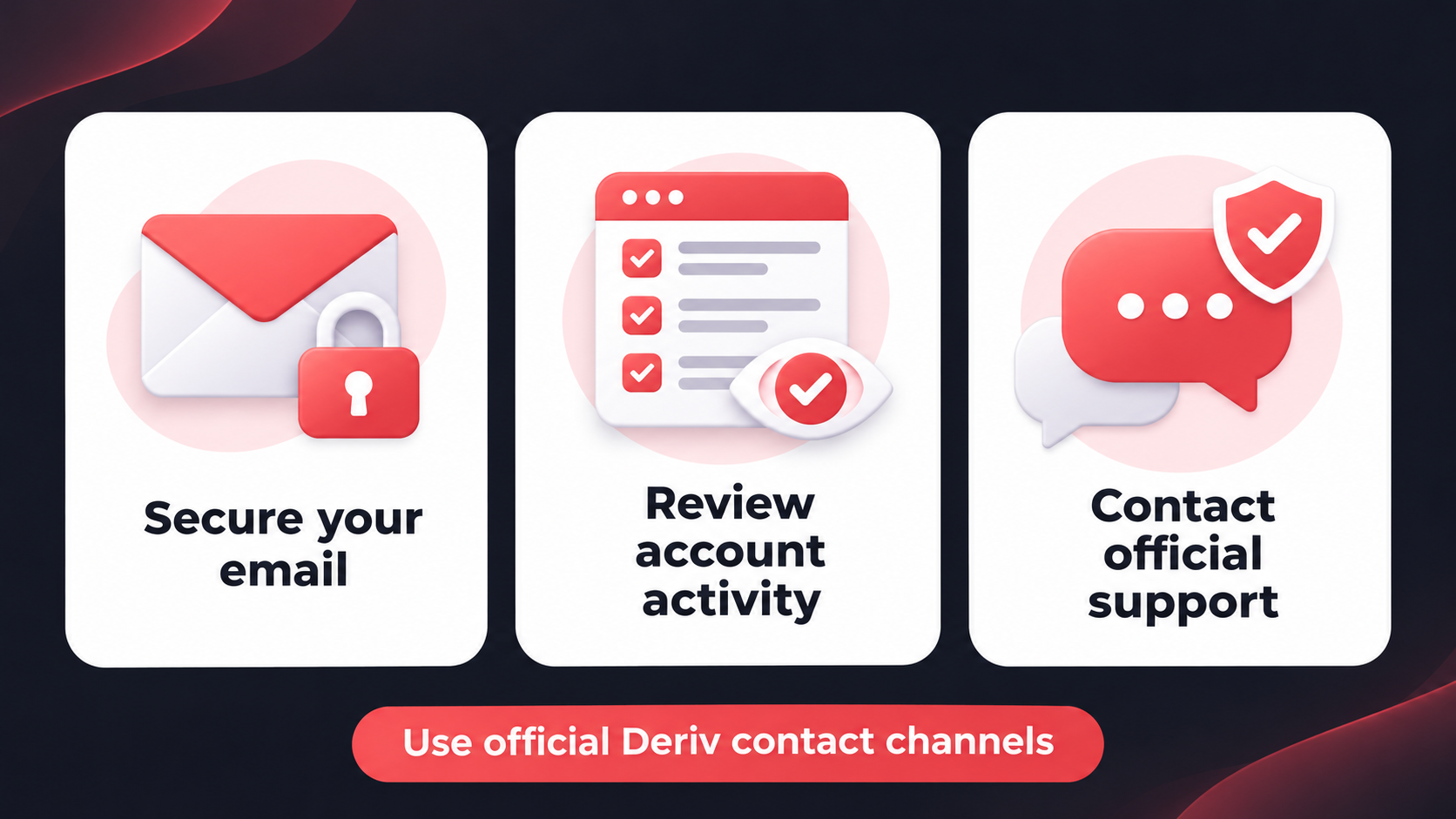
- If you suspect that your email has been compromised, secure your email first, then change your Deriv password and contact Deriv through official support channels.
Why your email matters to your Deriv account
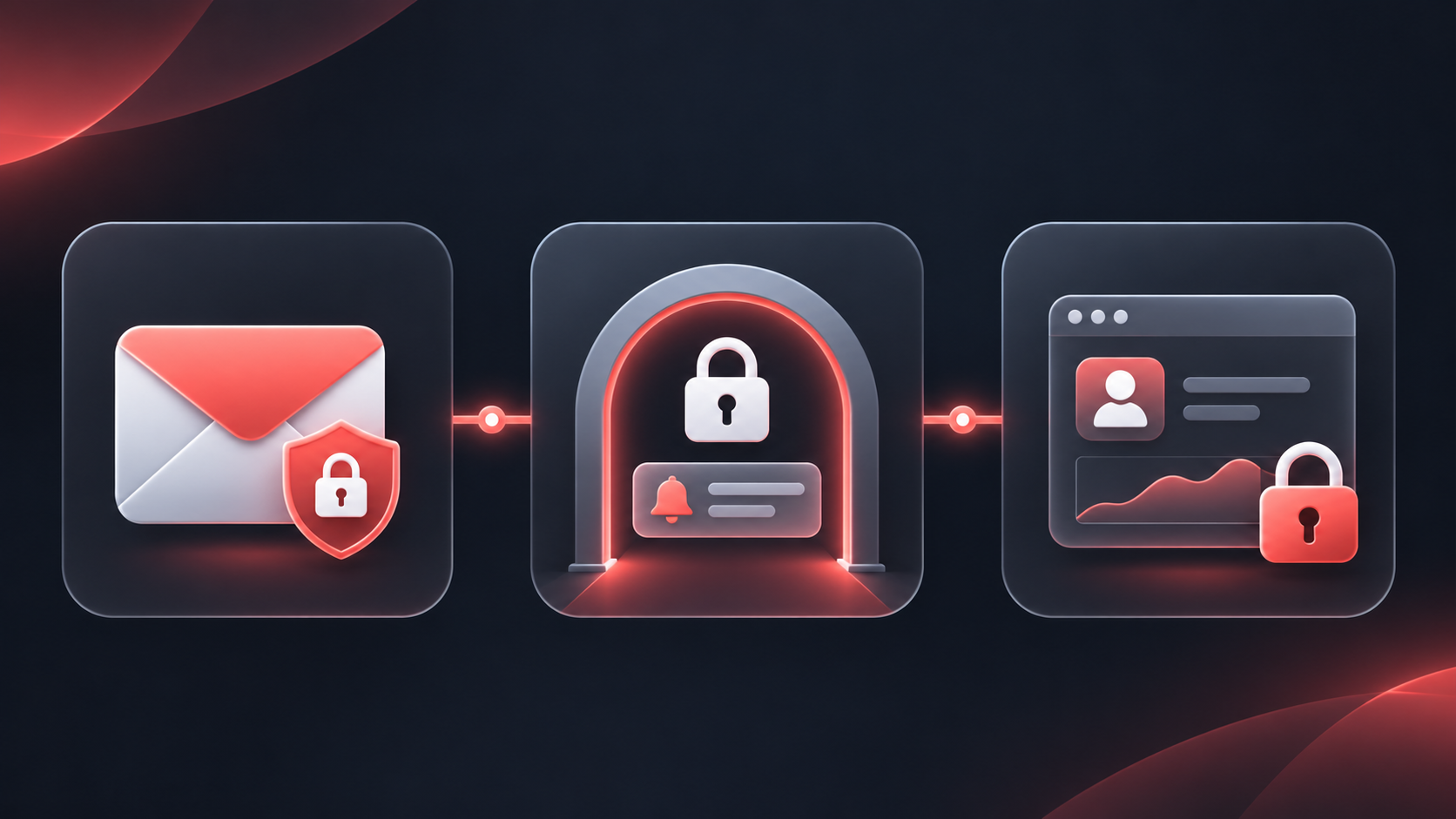
Your registered email can be used in important account-security processes. For example, Deriv’s password-reset process sends instructions to the registered email address, and some account actions may require a one-time password (OTP) sent there. This makes email security an essential part of protecting account access—not a separate task.
If someone gains control of your inbox, they may be able to read security notifications, request password resets, or intercept verification messages. Protecting your email account helps ensure that only you can act on those messages.
Start with a unique email password
A unique password is one you do not use for Deriv, social media, shopping sites, or any other service. If a password from another website is exposed in a breach, reusing it could put multiple accounts at risk.
Choose a long password or passphrase that is difficult to guess. A reputable password manager can generate and store unique passwords, reducing the need to remember them.
Enable 2FA on your email—and on Deriv
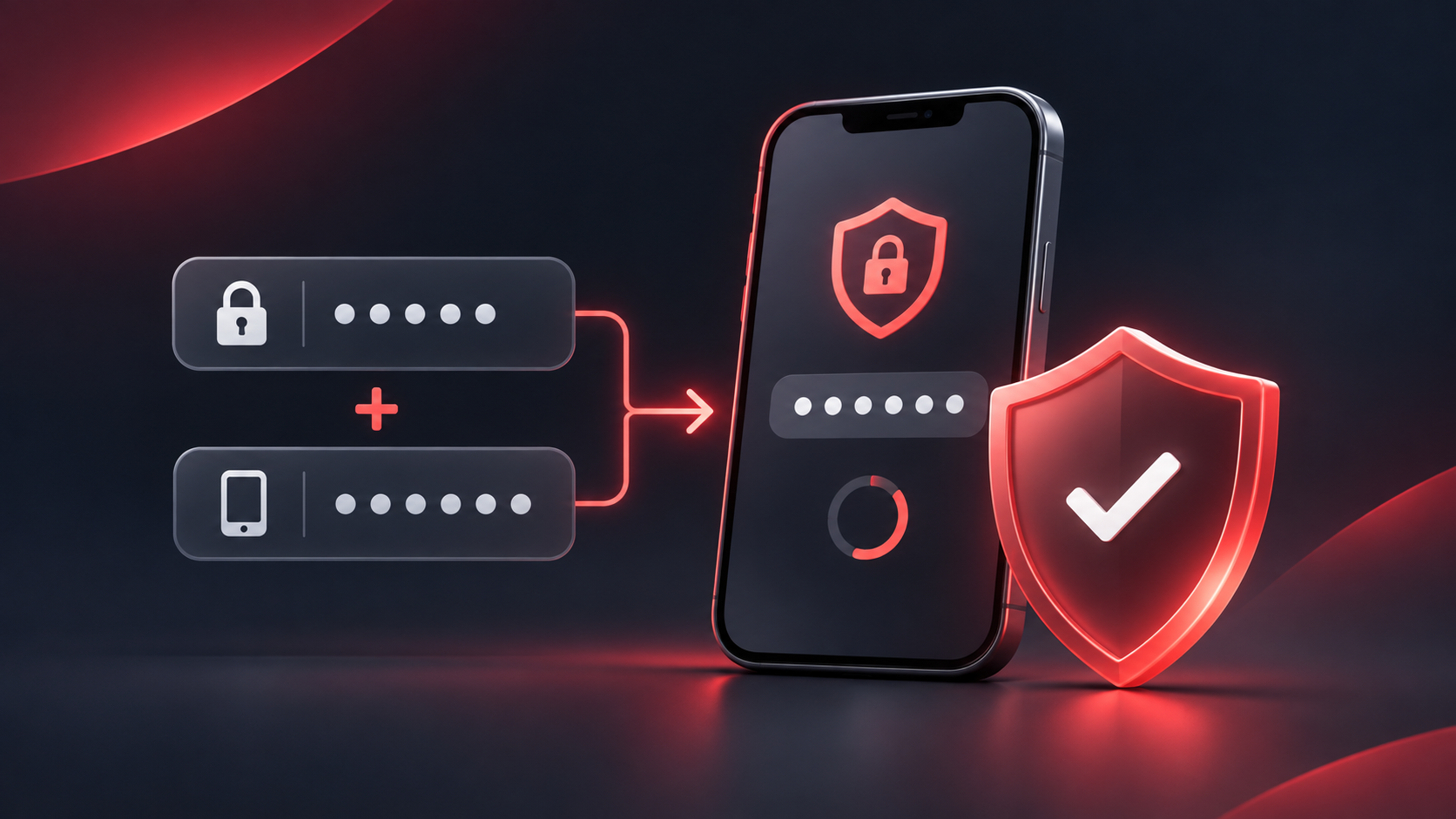
Two-factor authentication adds a second check after your password. For email, an authenticator app is generally a stronger option than relying only on text-message codes, because it is less exposed to risks such as SIM-swap attacks.
Enable 2FA on the email account linked to Deriv, then enable it on your Deriv account too. These are separate protections: securing only one leaves the other more exposed.
Recognise phishing before you interact
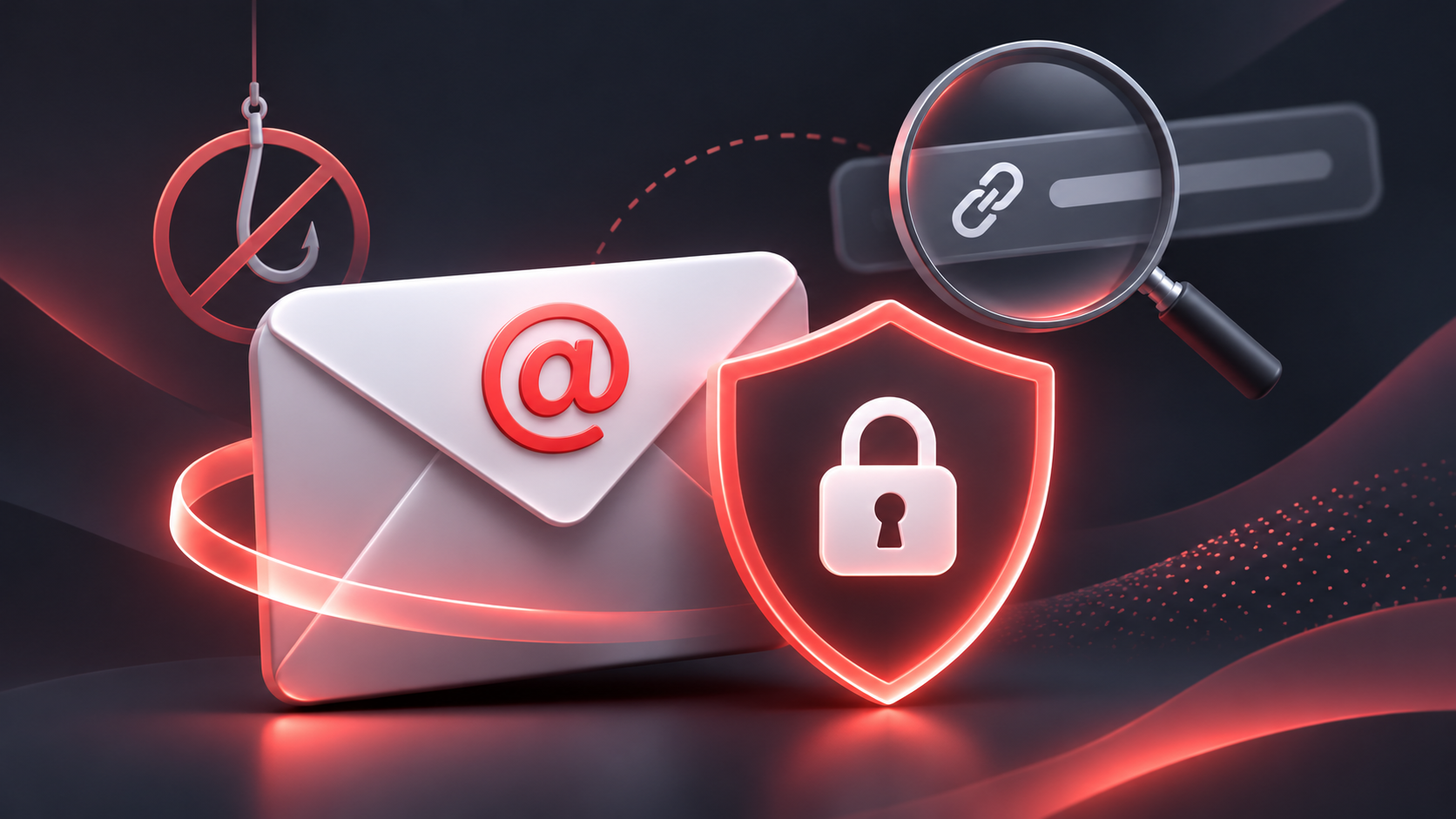
Phishing is an attempt to trick you into revealing information, clicking a harmful link, downloading malware, or signing in to a fake website. It may arrive by email, message, social media, or phone call and can imitate familiar brands.
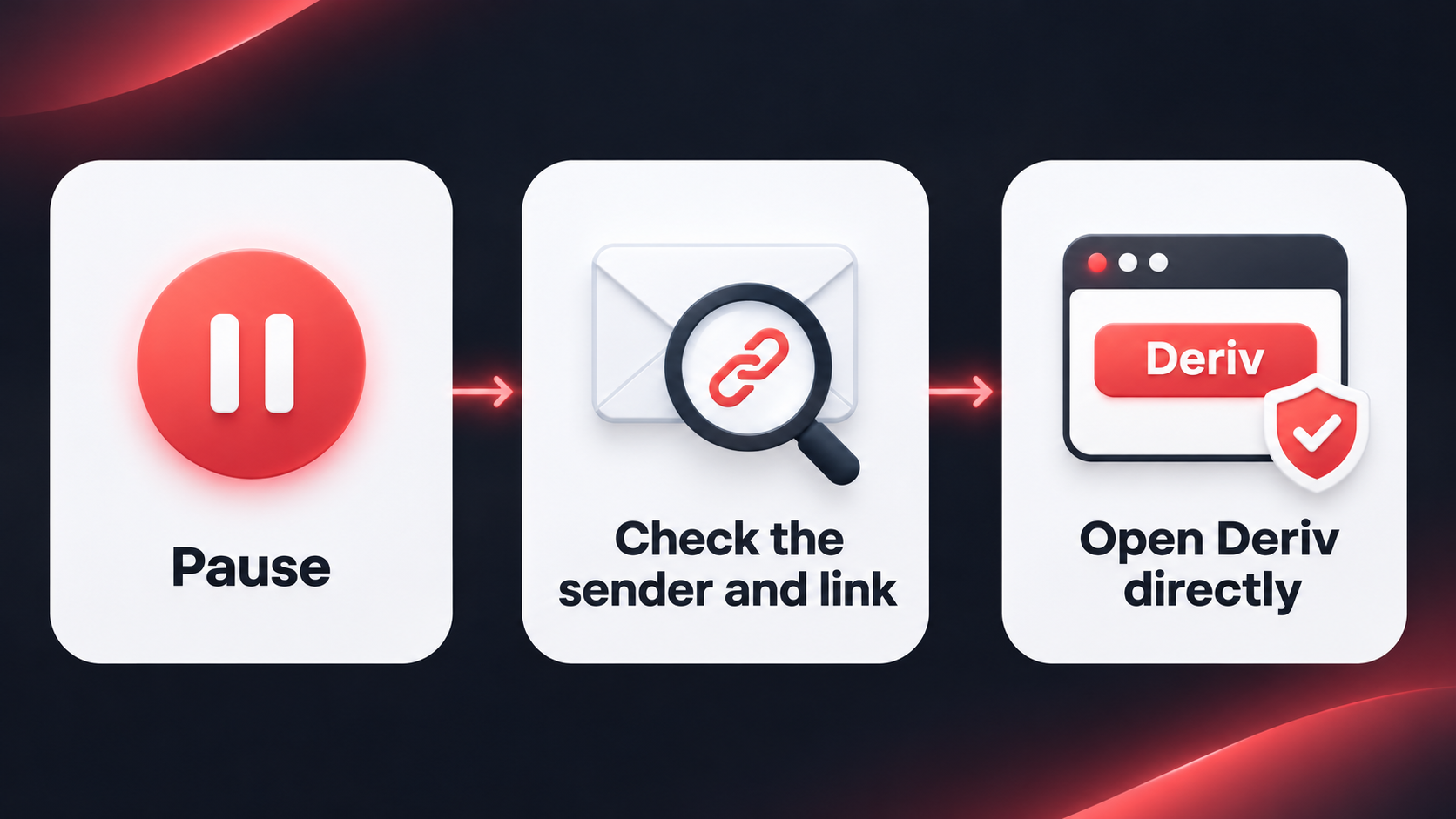
A convincing-looking logo or display name is not proof that a message is genuine. Pause and check the details before responding.
Look for the full sender address and destination
Check the full sender address, not just the name shown in your inbox. Fraudulent addresses can use misspellings, extra words, or unrelated domains. Deriv advises clients to be cautious of messages from addresses or profiles that resemble official ones but contain misspellings.
Before selecting a link on your desktop, hover over it to inspect the destination. On mobile, it is usually safer to avoid the link altogether: open your browser or the Deriv app yourself, then sign in through the official route.
Do not enter your password, OTP, 2FA code, recovery code, or financial details after following an unsolicited link.
Treat urgency as a reason to slow down
A phishing message may claim your account will be closed, a payment is waiting, or an immediate action is required. The goal is to create pressure before you have time to check the request.
Instead of acting immediately, stop and verify independently. Open Deriv from a saved bookmark, type the official address into your browser, or use the Deriv app. If you need help deciding whether a message is genuine, contact Deriv through the official contact options.
Be cautious with files and attachments
Unexpected attachments can contain malicious software. Do not download files from unsolicited messages, particularly executable file types such as .exe, .com, .bat, or .scr. If you were not expecting a document, verify the request through a trusted channel before opening it.
Build a safer email routine
Security is most effective when it is routine rather than a response to a scare. Review your email account’s security settings periodically, especially after changing devices or passwords.
Review recovery options and active sessions
Keep your recovery phone number and backup email address current, but make sure those recovery channels are secured too. Review the devices and active sessions listed in your email provider’s security settings. Sign out of devices or sessions you do not recognise.
Avoid forwarding rules you did not create. Attackers who access an inbox may add automatic forwarding rules to receive copies of security emails even after you change your password.
Keep software and devices up to date
Install updates for your phone, browser, operating system, and authenticator app. Updates often include security fixes. Use a screen lock on your phone or computer, and avoid signing in to financial accounts from public or shared devices.
On shared devices, do not save browser passwords, remain signed in, or leave recovery codes accessible.
Protect recovery codes
Some email providers issue recovery codes when you set up 2-factor authentication (2FA). Store them in a secure location, such as a password manager or another protected offline method. Treat them like passwords: do not email them to yourself in plain text, share them, or store them in an unprotected note.
What to do if you think your email has been compromised
Act methodically. The priority is to regain and secure control of the email account before relying on it for other account changes.
- Go directly to your email provider’s official website or app—do not use a link from an alert email.
- Change the email password to a new, unique password.
- Sign out of unfamiliar sessions and remove unknown devices, recovery addresses, phone numbers, forwarding rules, and app connections.
- Enable or reconfigure 2FA using an authenticator app where available. Save recovery codes securely.
- Change your Deriv password through the official Deriv login or account settings route, and check that 2FA remains enabled.
- Contact Deriv through official support if you believe your Deriv account may have been accessed by someone else.
A practical checklist for messages that mention Deriv
Before responding to an email, message, or social post that refers to your Deriv account, ask:
- Did I expect this message?
- Does the sender’s complete address match an official Deriv address, ending in deriv.com?
- Is the message pressuring me to act quickly, share information, or move money?
- Can I verify the request by opening Deriv directly rather than using this link?
- Is it asking for a password, OTP, 2FA code, or recovery code? If so, stop and verify through official support.
These questions do not prove that a message is safe, but they create a useful pause before a sensitive action.
Take the next step
Review the security settings on the email account linked to Deriv today: use a unique password, enable 2FA, check recovery methods, and remove sessions you do not recognise. Then review your Deriv account security settings and enable 2FA if you have not already done so.
Quiz
What should you do first if you believe someone accessed your email account?
FAQs