A strong password helps protect your Deriv account from unauthorised access, but it is most effective when it is unique, stored safely, and paired with two-factor authentication (2FA). This guide explains how to create a password that is difficult to guess, manage it without reusing it, and change it safely when needed.
Quick summary
- Use a long, unique password for Deriv that you do not use anywhere else.
- A password manager can generate and store strong passwords without relying on memory or notes.
- Never share your password, one-time passcode, recovery code, or 2FA code.
- Change your password through the official Deriv website or app—not through a link in an unexpected message.
- Enable 2FA as an additional layer of account protection.
Why a unique Deriv password matters
A password is the first check used to protect access to your account. If the same password is used on several websites and one of those services is compromised, an attacker may try it on other accounts. This is known as credential stuffing.
Using a unique password for Deriv helps limit that risk. Even if another service experiences a breach, a different Deriv password is less likely to be useful to someone attempting to access your account.
Deriv advises clients to use strong, varied passwords and to enable available account-security features, including 2FA.
Strong does not mean memorable at any cost
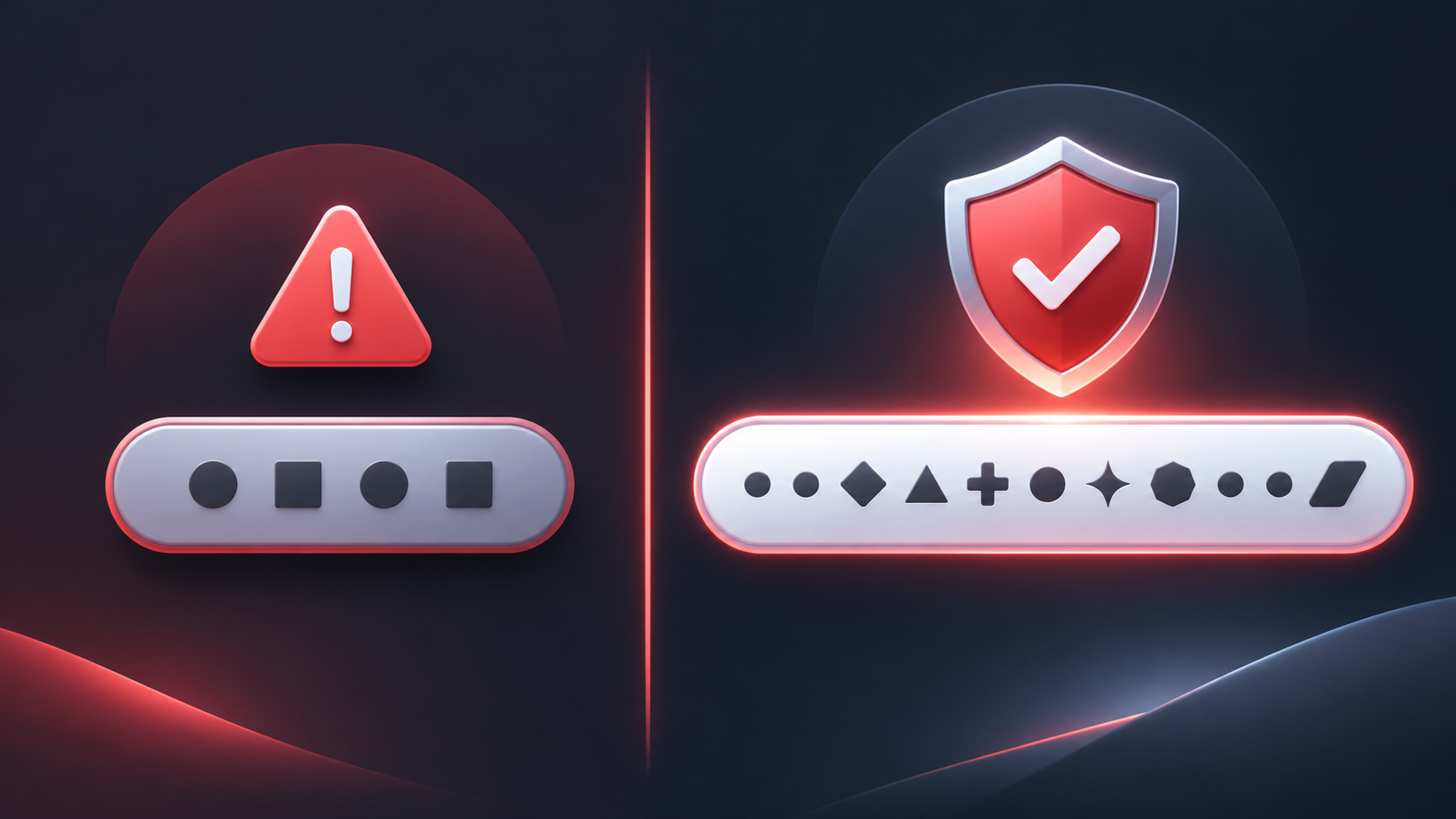
A strong password is difficult for another person or an automated attack to guess. It should not be based on easy-to-find details such as your name, date of birth, phone number, favourite sports team, or a familiar phrase with a predictable number added at the end.
A long, randomly generated password is generally a practical choice because it does not depend on personal information or a predictable pattern. If you prefer a passphrase, use several unrelated words rather than a quotation, song lyric, or well-known saying.
Avoid examples such as:
- Deriv123
- Password2026
- A name plus a date of birth
- The same password used for email, social media, or other financial services
The goal is not to create a clever password you can remember unaided. The goal is to create a unique credential and protect it properly.
Create a password you do not need to memorise
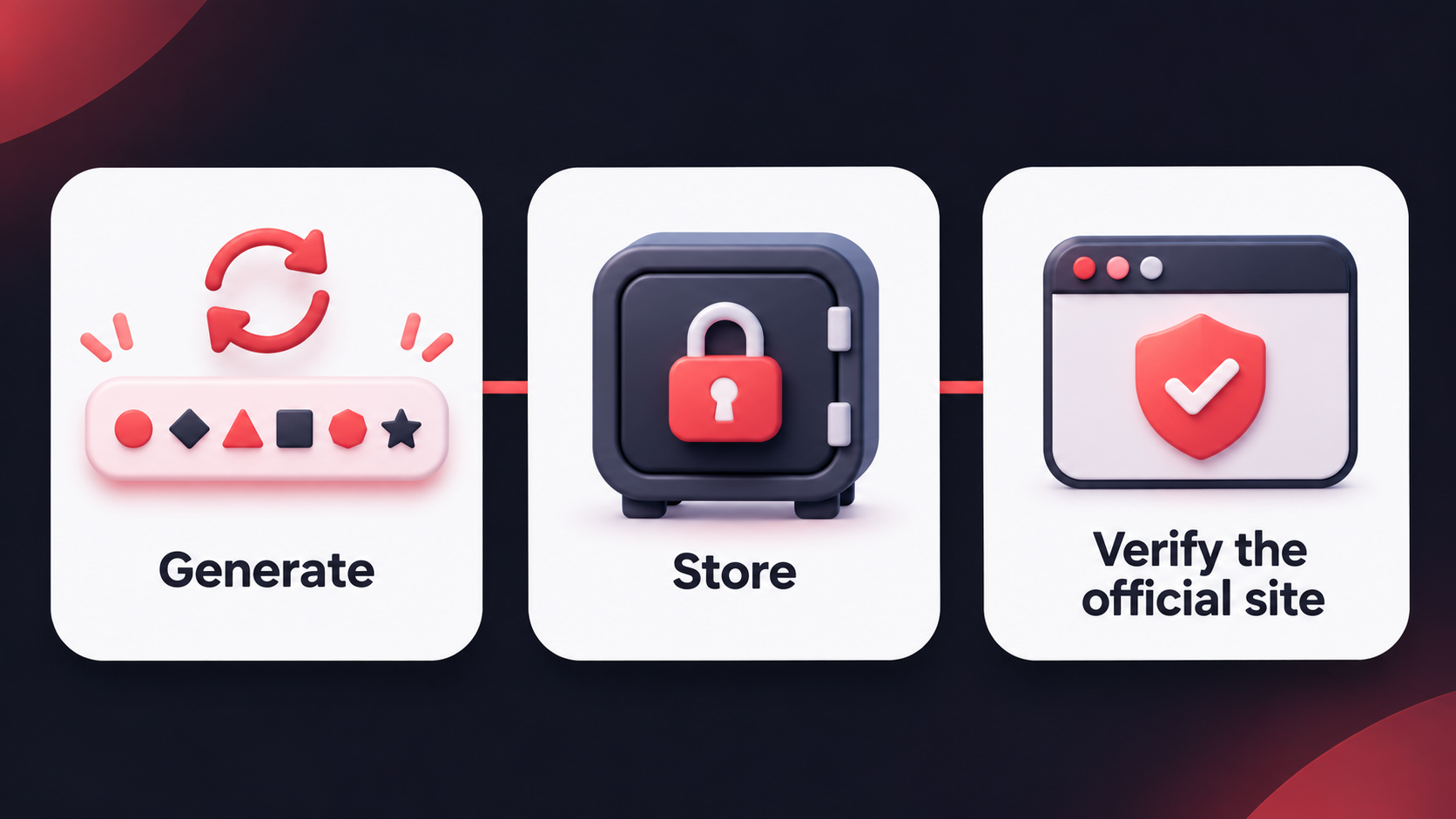
The safest routine is often the simplest to repeat: let a reputable password manager generate a unique password, then save it in an encrypted vault. This removes the temptation to reuse passwords or keep them in an unprotected note.
Use a password manager deliberately
A password manager stores account credentials in an encrypted vault. It can generate long random passwords, fill them only on the correct website, and reduce the number of passwords you need to remember.
Choose a reputable password manager, secure its master password with a long passphrase, and enable 2FA on the password-manager account if it is available. Keep recovery information in a secure location and understand how to access your vault if you change or lose a device.
A password manager is not an instruction to approve every autofill prompt. Before signing in, check that you are on the official Deriv website or app. If the manager does not recognise the website, pause and verify the address rather than typing your password manually.
Store passwords away from easy access
Do not store your Deriv password in an email draft, plain-text document, chat message, shared spreadsheet, or a note app without appropriate protection. Do not send it to another person, even someone claiming to be from support.
Avoid saving credentials in a browser on a shared or public device. If you use a personal browser’s password-saving feature, protect the device with a screen lock, keep it updated, and make sure that other people cannot sign in to your device profile.
Change your Deriv password safely
Change your password if you believe it may have been exposed, if you entered it on a suspicious website, or if you receive an unexpected security alert. You may also choose to update it as part of a routine review.
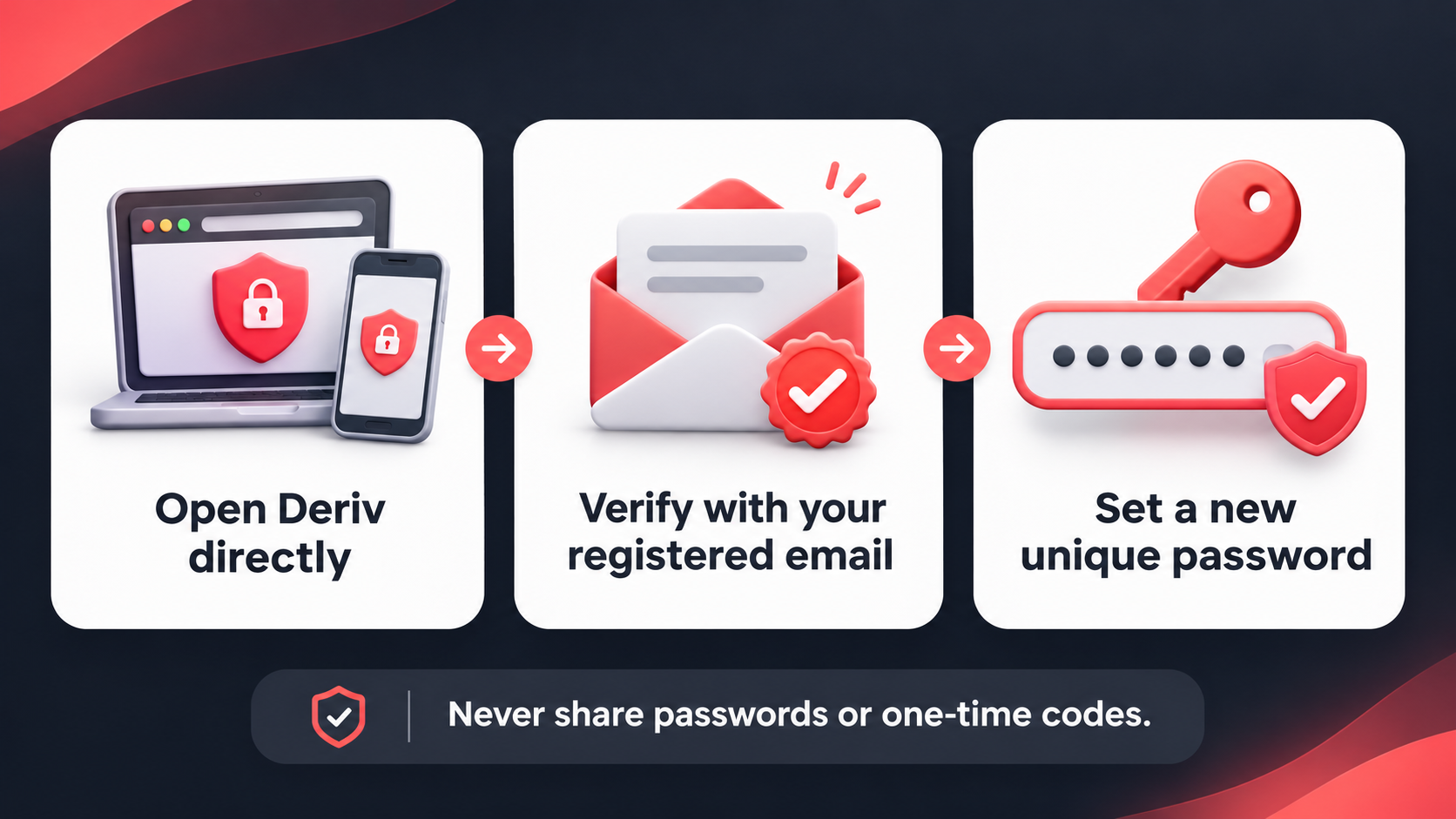
Use the official Deriv website or app to start the process. Do not follow password-reset links in unexpected emails, messages, or social media posts.
Update your password from your profile
You can update your password from your profile by taking the following steps:
- Go to your profile.
- Select Change Password under Security.
- Enter the one-time password sent to your registered email to verify the request.
- Set a new password.
Reset a forgotten password through the official login route
If you cannot sign in, open the official Deriv login page yourself, enter your email address and on the next screen select Forgot password? Follow the password-reset instructions sent to your registered email address.
Do not forward the reset email, share its code, or enter the code into a page reached through an unsolicited link. The password-reset process is a security action, so treat it with the same care as a login.
Know which account password you are changing
Platform credentials can differ. Deriv cTrader uses the same credentials as the main Deriv account, while the Deriv MT5 password-reset process is managed from the relevant MT5 account. Check the platform you are using before changing a password so you update the intended credentials.
Pair your password with 2FA
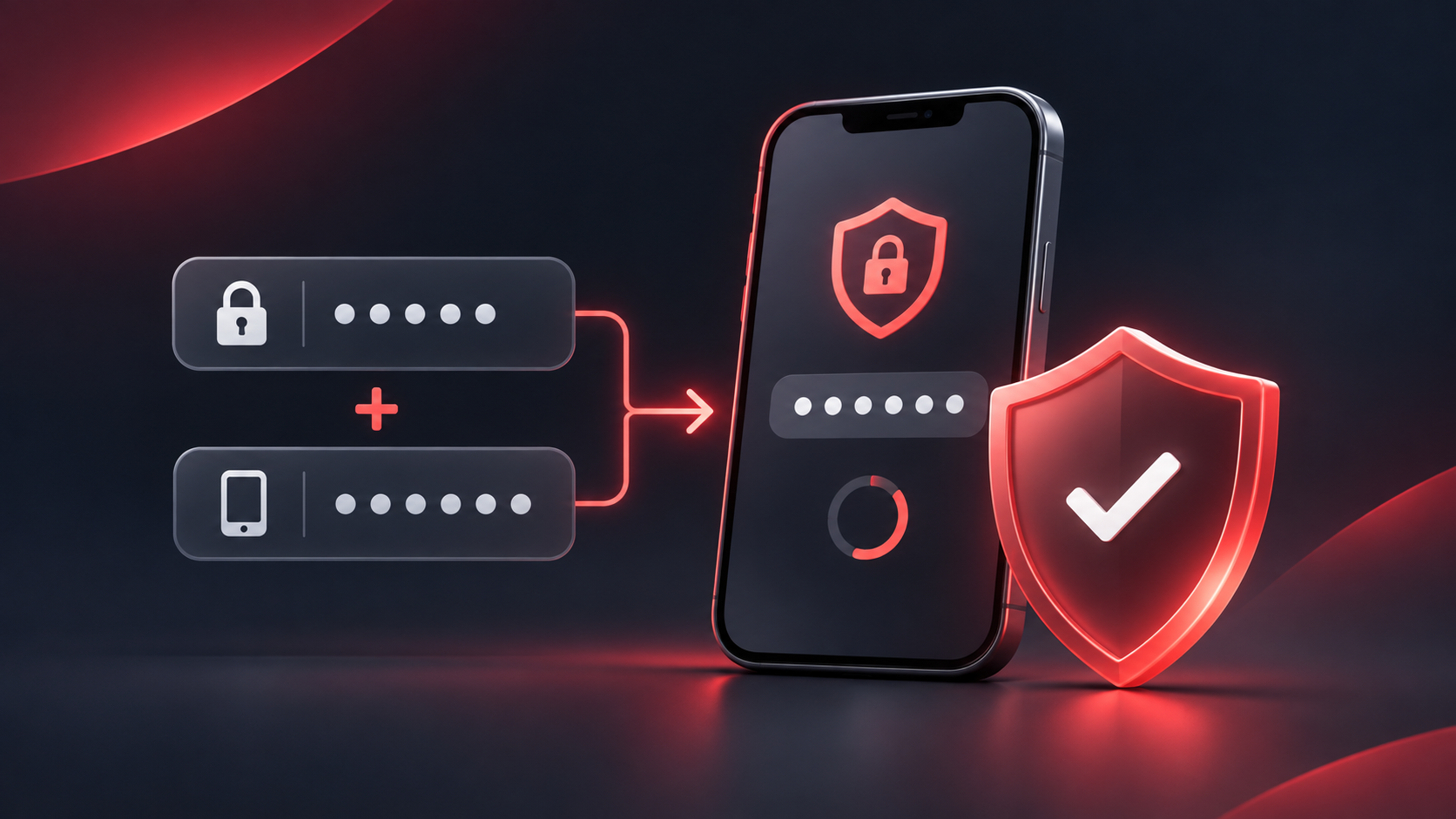
A strong password is important, but it is not the only layer of account protection. Two-factor authentication requires an additional verification step after your password, helping to reduce the risk that a stolen password alone can be used to access your account.
Use an authenticator app where available, and keep its recovery information secure. If you change phones, plan the transfer or backup process before wiping or trading in the old device.
Your email account also needs protection. It may receive password-reset instructions and verification codes, so use a unique password and 2FA for that account too.
If you think your password has been exposed
Act promptly, but do not rush into links or messages that claim to help. Start with trusted routes.
- Open Deriv directly through the official website or app.
- Change your Deriv password to a new, unique password.
- Change the password for the email account linked to Deriv if it uses the same password or may be compromised.
- Review and enable 2FA on both accounts.
- Check for unfamiliar sessions, devices, password-reset requests, or changes to your email security settings.
- Contact Deriv through official support channels if you believe someone else may have accessed your account.
Take the next step
Review the password for your Deriv account and the email linked to it. If either password is reused, replace it with a new, unique password stored in a reputable password manager, then enable 2FA on both accounts.
Quiz
Which password is the safest choice for a Deriv account?
FAQs