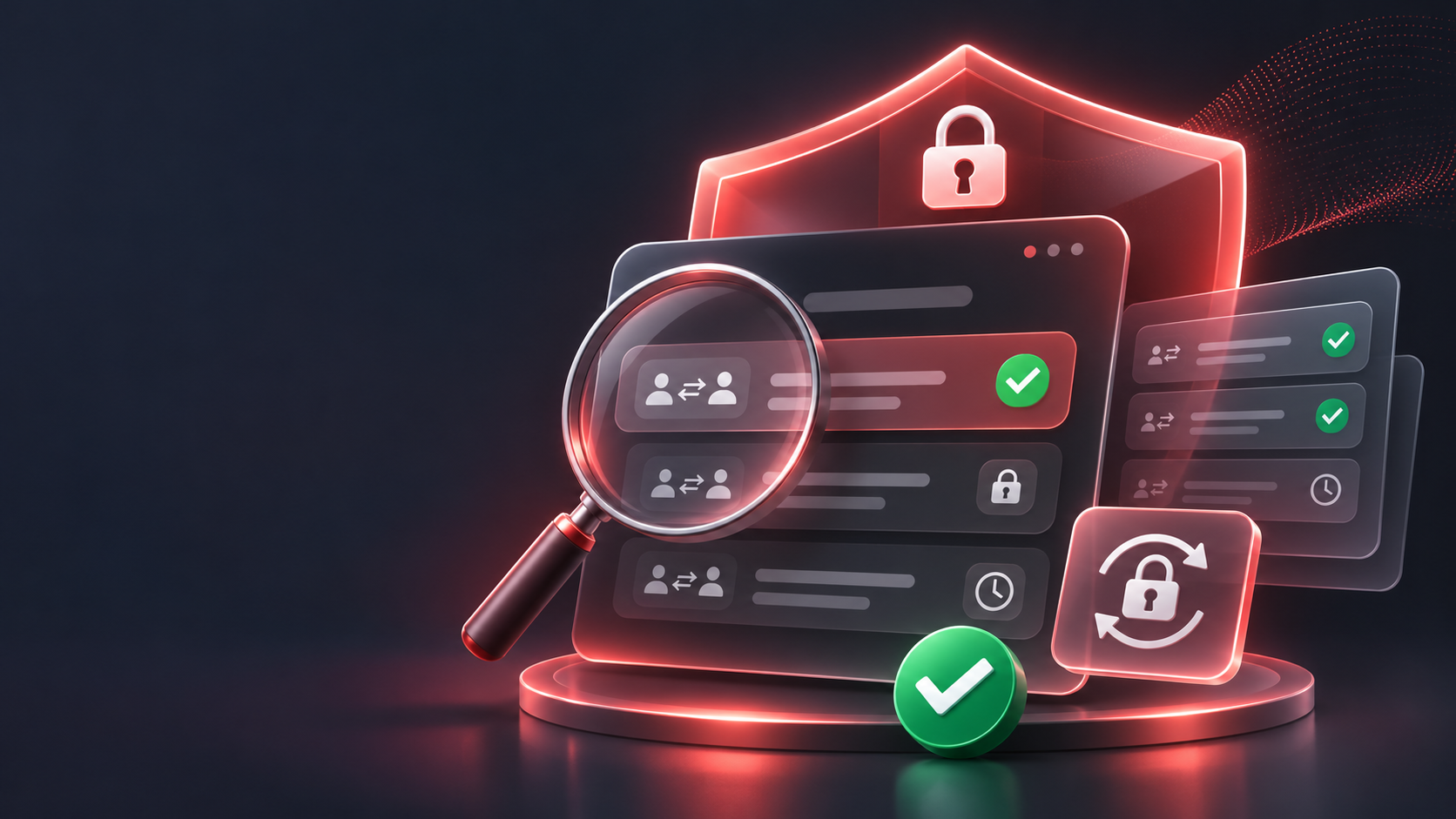
Reviewing your Deriv P2P activity helps you keep track of open orders, completed transactions and funds held in escrow. A regular check also makes it easier to spot an unexpected payment request, confirm that a transaction followed its agreed terms and gather the right information if you need support.
Quick summary
- Review open, completed and cancelled P2P orders regularly.
- Check the counterparty, agreed payment details and order status before confirming anything.
- Keep payments and chat within Deriv P2P so the transaction record remains available.
- Confirm or release funds only after the relevant payment is actually received and verified.
- Save important records securely, especially as P2P chat messages and attachments may be deleted after six months.
What your P2P activity can show you
Deriv P2P is a peer-to-peer service that lets users make deposits and withdrawals in local currency by transacting with other P2P users. It is separate from your other Deriv Wallets, helping keep P2P funds separate from trading funds.
Checking your activity gives you a clear view of the transactions you have started and the actions that may still be required.
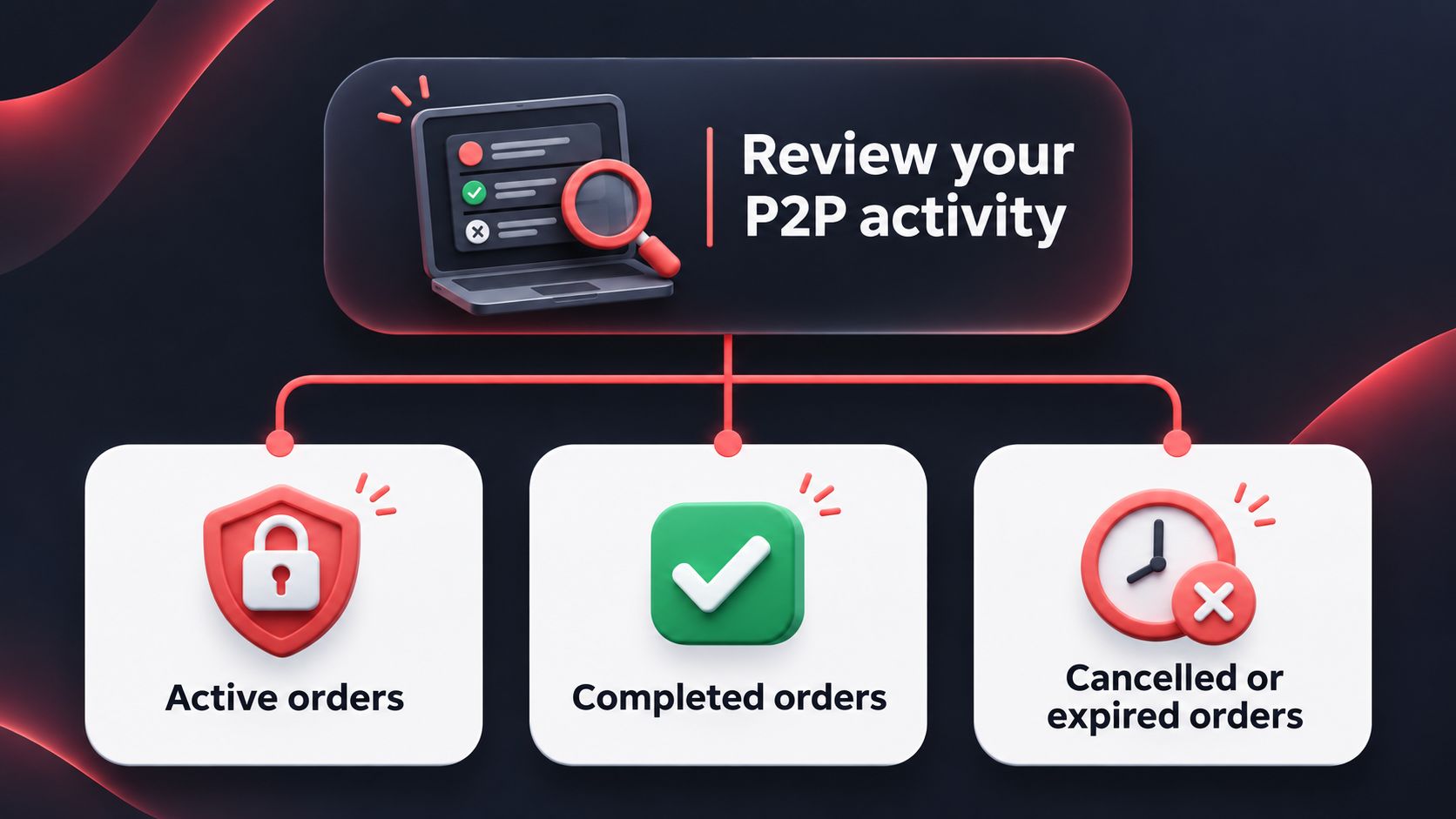
Review active orders first
An active order needs your attention before it expires. Check:
- Whether you are buying or selling
- The agreed amount and payment method
- The counterparty’s nickname and verification details
- The current order status
- Whether payment has been received or sent, as applicable
- Whether any funds are held in escrow
Funds linked to an active sell order can be held in escrow until the order is completed, cancelled or otherwise resolved.
Then review completed and cancelled orders
Completed activity helps you confirm that the final status matches what happened. Cancelled or expired orders can help identify a pattern—for example, orders placed by mistake, payment-method mismatches or timing issues.
Do not treat a completed history as a reason to stop checking current activity. An unexpected order, unfamiliar counterparty or payment instruction that differs from the order details is worth investigating before you act.
Check the agreed details before you confirm
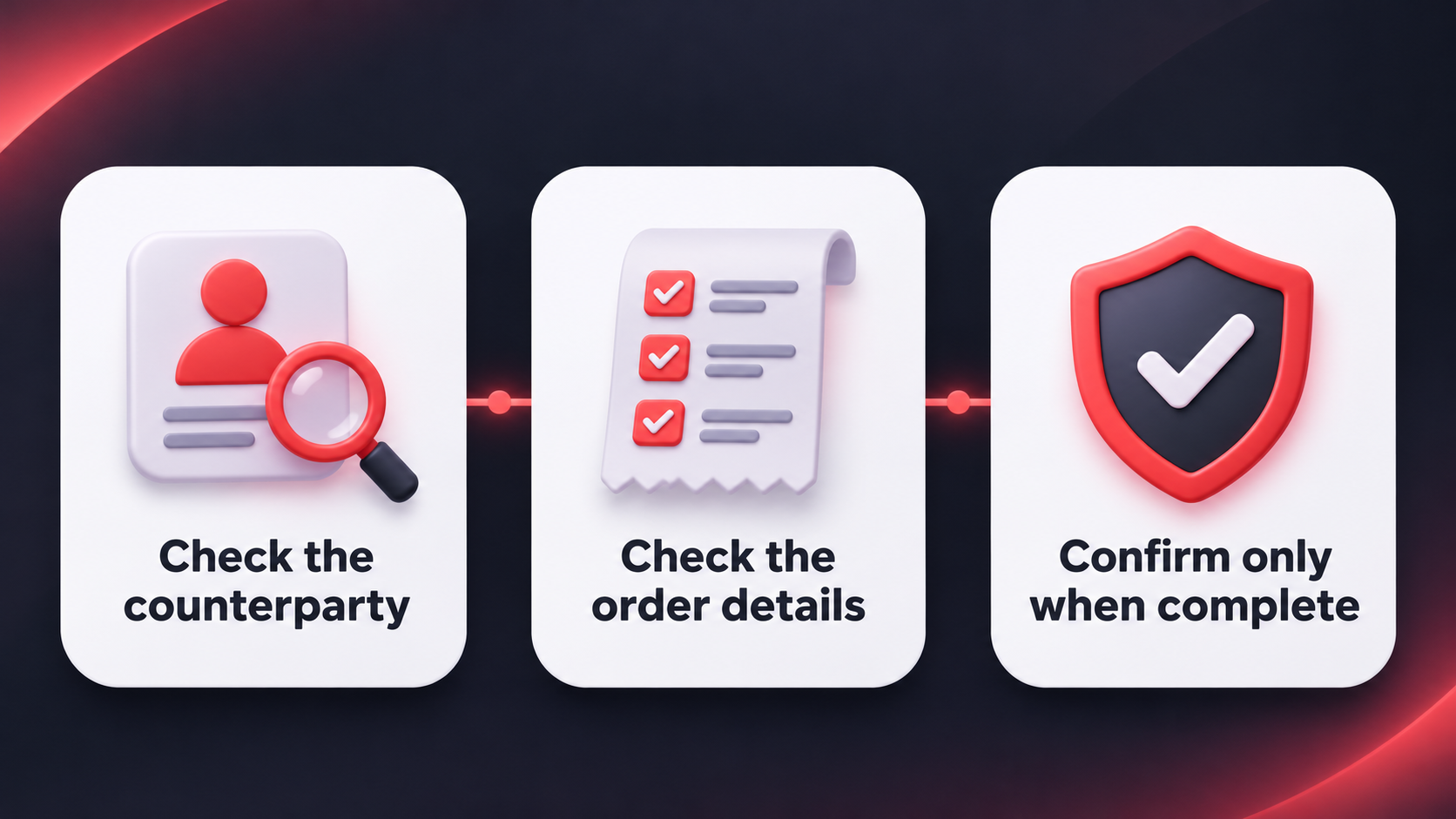
The information shown on an order is the reference point for the transaction. Deriv’s terms state that once a P2P transaction starts, its agreed details are final and should not be changed or renegotiated.
Check the counterparty carefully
Before you make or confirm a payment, compare the counterparty’s nickname and profile details with the order. Look for the verification badge where available, and check the nickname letter by letter.
If you have transacted with someone before, we recommend finding them through your order history rather than searching for their name. This can help reduce the risk of choosing a copycat profile with a very similar name.
Check payment details against the order
Use only the payment method and account details shown in the P2P order. Do not agree to a change sent through chat, another app or a phone call after the transaction has started.
For sellers, verify that the buyer’s payment has actually arrived in the correct account before releasing funds. A payment screenshot, notification or message alone is not a substitute for checking that the funds have been received.
For buyers, confirm completion only after you have fulfilled your part of the transaction accurately. It is important to note that false or premature confirmations can affect how a dispute is resolved.
Keep the transaction on Deriv P2P
P2P security depends partly on the record created inside the platform. Keep the order, communication and agreed payment details within Deriv P2P.
Moving the conversation or payment to WhatsApp, Telegram, social media or another external channel can make it harder to verify what was agreed. In the Deriv P2P context, leaving the platform also means escrow protection no longer applies.
Save important records securely
P2P chat messages and attachments are automatically deleted after six months. Save important evidence securely before that period ends if you may need it later.
Keep only what is necessary, and protect it. Payment evidence can contain personal or financial information, so do not publish it on social media or send it in response to an unexpected message.
Do not share security credentials
P2P activity does not require you to give another person your Deriv password, PIN, one-time code or authenticator code. Deriv support will also never ask you to release funds, cancel an order, make a payment, or share a password or OTP through an unexpected contact.
What to do if something does not match
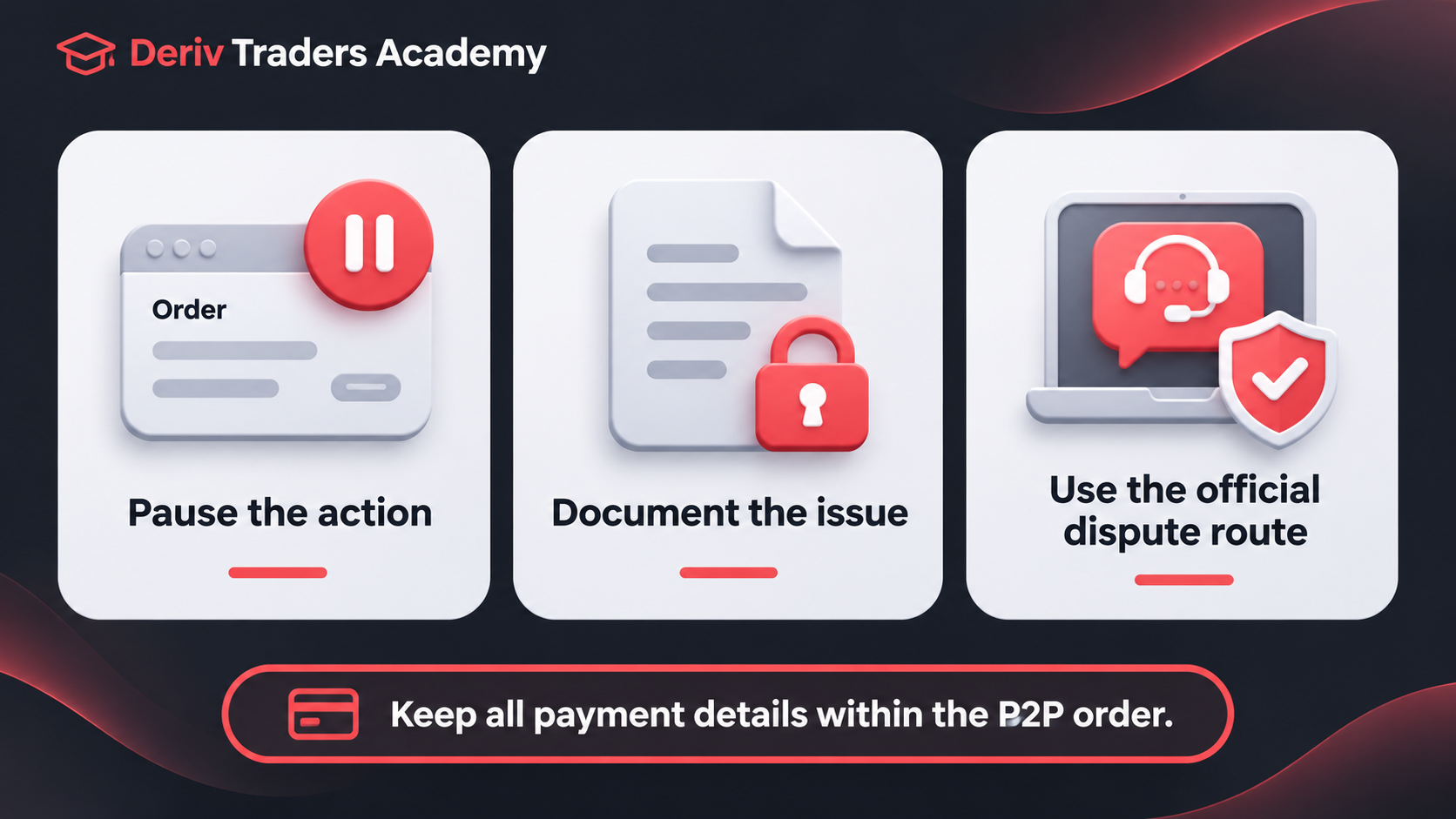
Pause if the payment status, account details, counterparty name or instruction differs from the order.
- Do not release funds or confirm completion.
- Keep communication within the P2P order where possible.
- Save relevant evidence securely, including the order details and payment record.
- Use the available dispute process or official Deriv support route.
- Respond promptly if support requests information or evidence.
A P2P transaction may be disputed within 30 days after it expires, and our support may request relevant evidence during an investigation.
Build a regular P2P review routine
A short review after each transaction can make future checks easier:
- Check whether all active orders have been completed, cancelled or escalated correctly.
- Review the P2P Wallet for funds held in escrow or transactions you do not recognise.
- Save essential evidence for unresolved or disputed activity.
- Confirm that any payment details used matched the original order.
- Review recent counterparties and avoid relying on names alone when you start a new transaction.
This routine is not a guarantee against disputes or losses, but it helps you identify details early and maintain a clear transaction record.
Take the next step
Review your current Deriv P2P activity today: check active orders, confirm completed transactions match the agreed details and securely save any evidence related to unresolved activity. Keep every payment and conversation within the P2P order, and use official support if something does not match.
Quiz
Why should you keep P2P communication within the platform?
FAQs