How can you identify crypto scams and fake apps?

3
min read
3
min read
Minimalist tech illustration of a smartphone and laptop showing a secure connection with a glowing shield icon, representing crypto security.

Identify crypto scams and fake apps by verifying URLs for typos, avoiding unverified links, and ignoring urgent requests for passwords or recovery phrases.

Since crypto transactions are permanent and non-reversible, most beginner losses stem from these deceptive tactics rather than bad trades.

This quick guide helps you recognise common red flags and protect your funds.

‍

Quick summary

  • Phishing tricks you into sharing logins, codes, or money by mimicking real brands.
  • Major warning signs include urgent messages, requests for passwords/codes, and promises of guaranteed returns.
  • Fake apps and sites look realistic. Always verify the URL and how you got there.

‍

Why crypto scams work

Scammers don't need to hack you if they can trick you into handing over logins, codes, or payments. They use fake urgency so you act without thinking.

‍

Common scams and their warning signs

Crypto Scams and Warning Signs
Scam How it works Warning signs
Phishing messages Fake emails or texts pretending to be official support. Urgent warnings, direct login links.
Fake website Copies of genuine login pages to steal credentials. Misspelled URLs or unusual domain extensions.
Fake app Counterfeit apps designed to look like trusted brands. Sent via direct links or unverified app stores.
Fake helpers & signal sellers Strangers offering "guaranteed" trading profits or help. Guaranteed returns, upfront crypto fees.
Recovery phrase request Requests for seed phrases to restore wallets. Anyone asking for your recovery phrase.
Online "friend" scam Online connections building trust to solicit crypto. Conversations that consistently lead to money requests.

‍

Phishing: How it looks in practice

Example: You get an urgent message with a login link. The page looks real, but the URL has an extra letter. Typing your details hands your login directly to a scammer.

Safe habit: Never click links in messages. Open a saved bookmark to sign in directly.

‍

How to recognise a fake website

Always check these three details before logging in:

  1. Web address: Look closely for extra, missing, or swapped letters.
  2. Navigation method: Only navigate using direct bookmarks or manual URL entry.
  3. Requested details: Real login pages never ask for recovery phrases or advance payments.
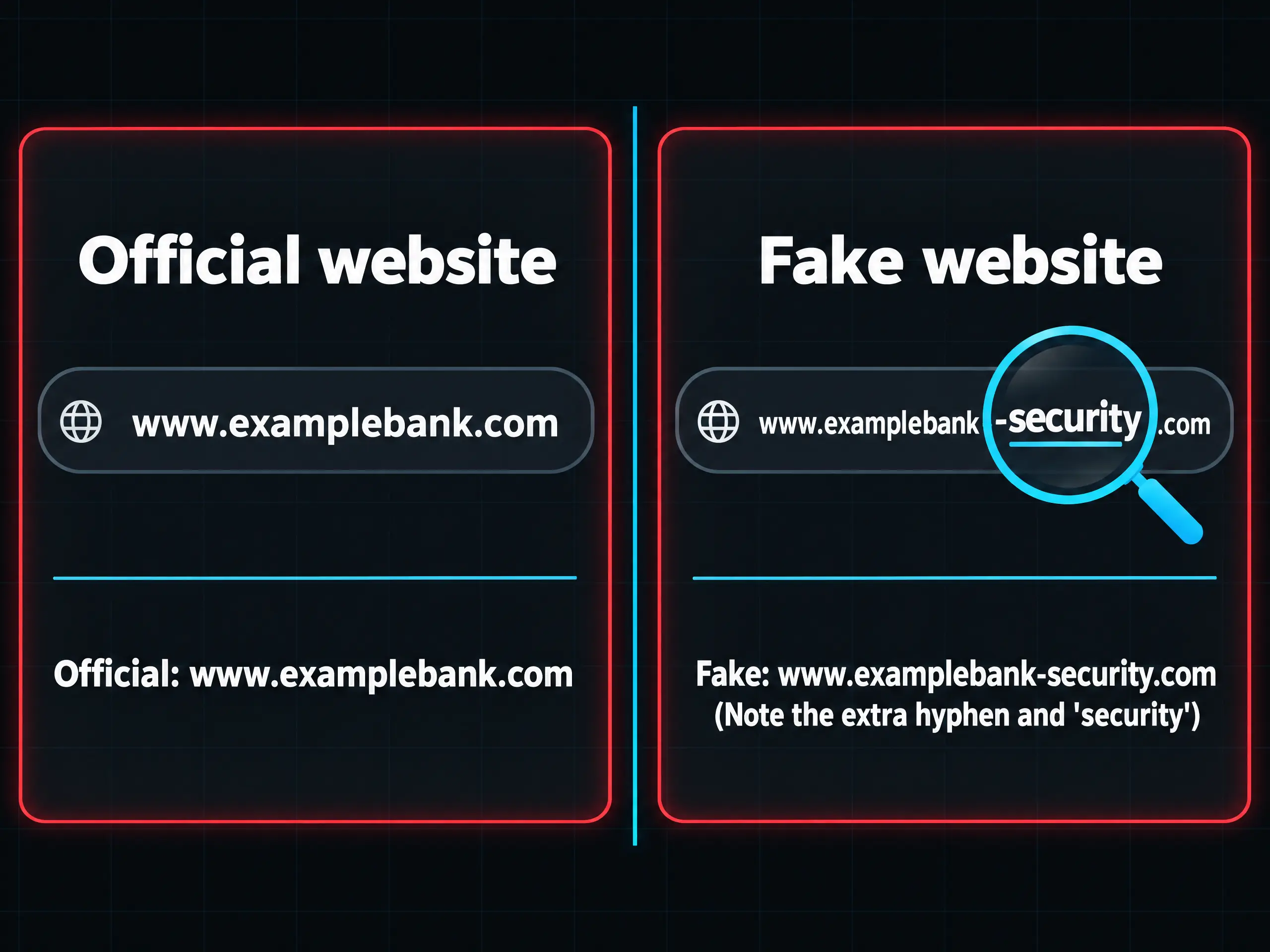
Side-by-side comparison of an official website URL (www.examplebank.com) and a fake website URL (www.examplebank-security.com), with a magnifying glass highlighting the extra hyphen and "security" text in the fake URL.

Note: A padlock icon in the browser address bar does not guarantee safety.

‍

How to recognise a fake app

Scammers often publish fake mobile apps that mimic official platforms. Protect yourself by using these tips:

  • Verify official app availability on the provider's verified website.
  • Avoid downloading apps directly from links in emails or messages.

Watch out for slight variations in logos, publisher names, and app titles.

‍

What a scammer may ask for

Crypto Security: What Scammers Ask For
They ask for Why it's dangerous What to do
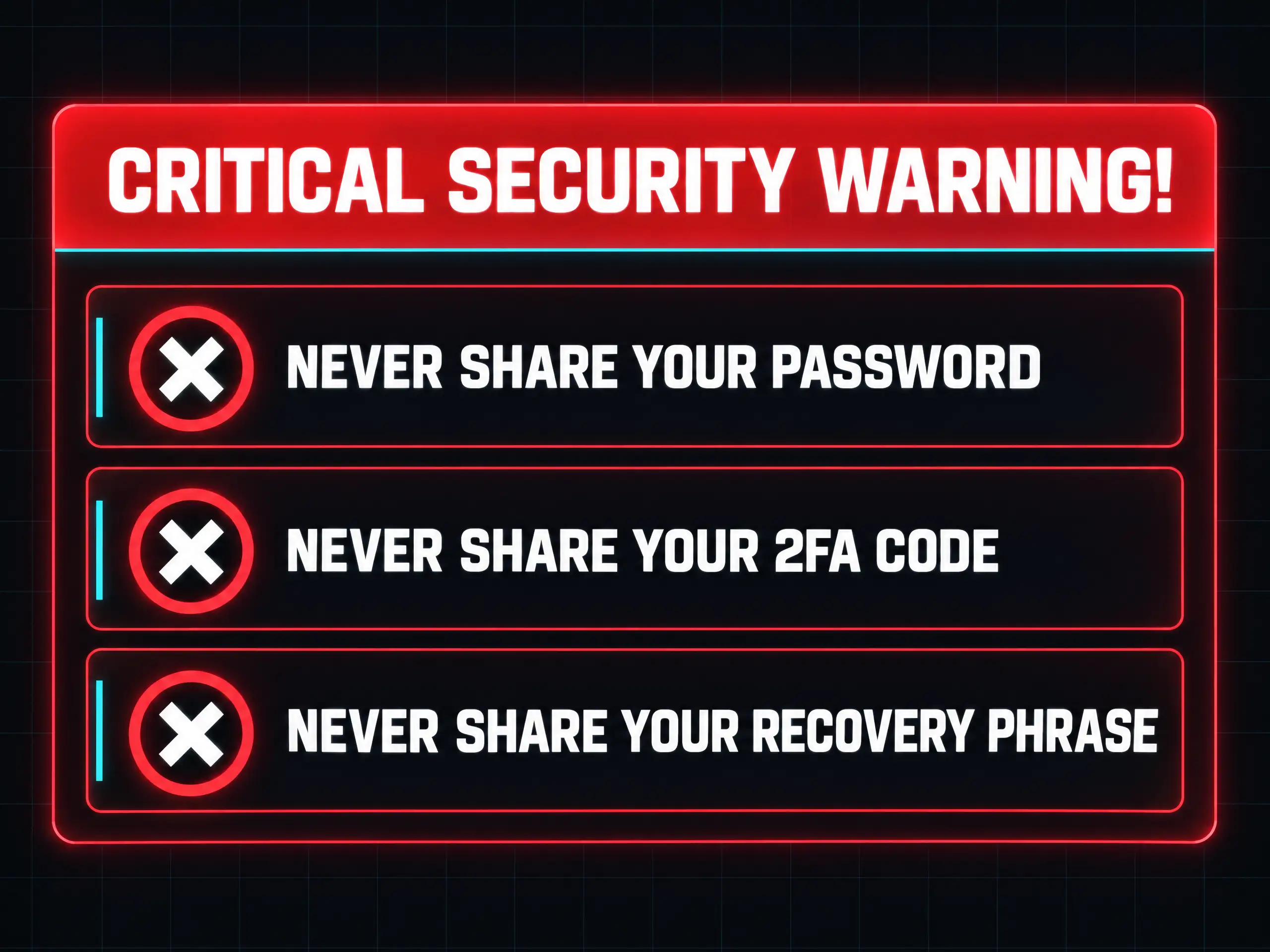
Your password Full account hijack Never share it with anyone.
A one-time code Bypasses 2FA checks Never share codes; support never asks for them.
Your recovery phrase Full wallet drain Never share it, for any reason.
A "small payment first" Advance-fee theft Refuse and block.
Remote access to your device Full device control Never grant access.
A warning banner titled "CRITICAL SECURITY WARNING!" listing three rules with red X icons: never share your password, never share your 2FA code, and never share your recovery phrase.

"Guaranteed" returns and "signals"

Crypto prices fluctuate constantly. No one can guarantee trading profits or predict movements with 100% certainty.

  • Unsolicited messages offering trading tips or signals
  • Promises of "risk-free" or "guaranteed" returns
  • Pressure to deposit or send crypto immediately

‍

Habits that lower your risk

Adopt these core habits to protect your account:

  • Use bookmarks: Access platforms only through saved, trusted bookmarks.
  • Strong passwords: Use unique, long passwords for every platform.
  • Enable 2FA: Require a second verification step for all logins.
  • Secure email: Protect your recovery email with 2FA and a strong password.
  • Double-check addresses: Verify recipient wallet addresses and networks before sending.
  • Test transfers: Send a small test amount before transferring full funds.
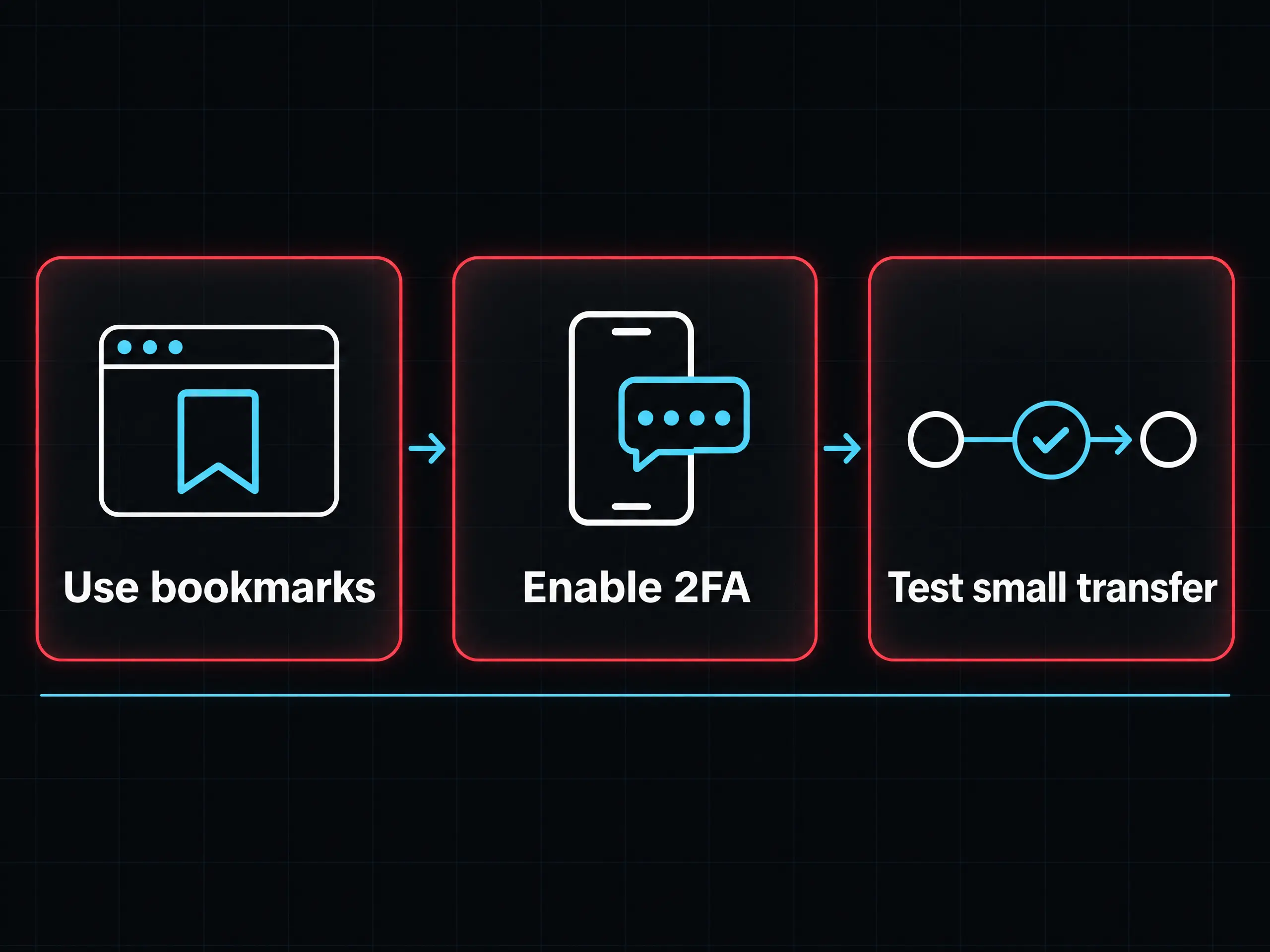
A three-step flowchart illustrating core security habits: using bookmarks, enabling 2FA, and testing small transfers.

What to do if you think you've been scammed

  1. Stop immediately: Do not send any more funds.
  2. Update logins: Change passwords for your email and trading account.
  3. Revoke sessions: End active sessions and remove unrecognized devices.
  4. Contact support: Reach official platform support directly.
  5. Document evidence: Save messages, transaction IDs, and screenshots.

‍

Risk reminder

Security habits reduce risks but do not eliminate trading market risks. Only trade with money you can afford to lose. Educational content only. Not financial advice.

‍

Quiz

A message says your account needs urgent review and includes a link. What is the safest response?

?
Click the link and sign in quickly
?
Reply to ask if it's real
?
Ignore the link and sign in through a bookmark
?
Forward it to a friend

Which of these should you never share with anyone?

?
The name of the coin you're trading
?
Your password, one-time codes and recovery phrase
?
The pair you're looking at
?
Your favourite chart

A padlock symbol shows in the browser. What does it prove?

?
The site is safe
?
The site belongs to the company it claims
?
Your funds are protected
?
Nothing about whether the site is safe, because scammers can get one too

A stranger offers you a "guaranteed" return if you send crypto first. What should you do?

?
Treat it as a warning sign and walk away
?
Send a small amount to test it
?
Ask for proof
?
Send more once it works

FAQs

What is phishing?

Phishing is a type of scam where online attackers try to trick you into giving away personal details like passwords, one-time security codes, or account logins. They often send fake emails or text messages, or set up web pages that look almost identical to official companies and brands you trust.

Would real support ask for my password?

No. Genuine customer support team members will never ask for your password, two-factor authentication (2FA) verification codes, or wallet recovery seed phrases under any circumstances. If anyone claiming to be support requests this information, it's definitely a scam.

How do I recognise a fake website?

Carefully inspect the website address (URL) in your browser for small spelling mistakes, strange character substitutions, or unusual domain endings. To stay safe, avoid clicking directly on links sent via email or chat messages, and instead navigate using saved, verified bookmarks.

Can profits be guaranteed in trading?

No. Cryptocurrency and financial markets move unpredictably and carry natural risks. Any individual, group, or service promising "guaranteed," "risk-free," or sure-thing trading returns is attempting to scam you out of your money.

Does a browser padlock mean a site is safe?

No, it does not. The padlock icon only confirms that your connection to the site is encrypted, not that the website owner is trustworthy. Scammers can easily secure padlock certificates for their fraudulent sites too.

Can lost crypto be recovered?

Very rarely. Blockchain networks are designed so that transactions cannot be reversed once completed. Because lost funds usually cannot be retrieved, it is best to focus on prevention and securing your accounts immediately if you suspect a breach.

Articles in this section

Analyse markets with AI-powered insights

Explore TradersView

Join 3M+ global traders