
Your account. Your control.

Explore practical steps to keeping your Deriv account and personal information safe.

✓
Your account. Protected.

Something doesn’t feel right?

If you suspect someone else has access to your account, or if you're stuck setting up 2FA, contact us via live chat or WhatsApp. We’re here 24/7.

2FA FAQs

What is two-factor authentication (2FA)?

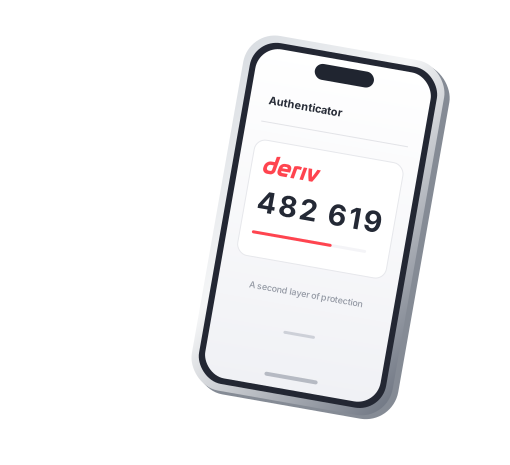
2FA adds a second step to your login: a 6-digit code from an authenticator app on your phone. It helps protect your account if someone gets hold of your password.

How do I turn on 2FA for my Deriv account?

Download an authenticator app, then go to Account settings > Security > Two-factor authentication in your Deriv account, and scan the QR code. Enter the 6-digit code from your app to finish. See the step-by-step instructions.

What if I can’t access my authenticator app?

Contact us via live chat or WhatsApp for help. Our team will never ask for your password or a 2FA code.

What should I do if I suspect unauthorised access?

Contact us straightaway via live chat on our website or WhatsApp. If you can still log in to your Deriv account, log in and change your password, turn on 2FA if it isn’t already on, and secure your email account. Always open Deriv by typing home.deriv.com yourself, not through a link in a message.

Воплотите свои идеи в действие