Synthetic Indices متاحة على TradingView من خلال تكامل الوسيط الخاص بـ Deriv. هذا يعني أنه يمكنك ربط حساب Deriv الخاص بك بـ TradingView، واستخدام الرسوم البيانية وأدوات TradingView، وتنفيذ صفقات التداول على Synthetic Indices من خلال حساب Deriv الخاص بك.
في هذا الدليل، ستتعرّف على ماهية Synthetic Indices، وكيف يتناسب TradingView مع تجربة التداول، وكيفية الوصول إلى Synthetic Indices بمجرد ربط Deriv كوسيط خاص بك.
النقاط الرئيسية
- Synthetic Indices متاحة على TradingView من خلال تكامل الوسيط الخاص بـ Deriv.
- لتداول Synthetic Indices على TradingView، تحتاج إلى ربط حساب Deriv الخاص بك.
- يوفر TradingView واجهة الرسوم البيانية، بينما يوفر Deriv إمكانية الوصول إلى Synthetic Indices وينفذ الصفقات.
- Synthetic Indices هي أسواق يتم إنشاؤها بواسطة خوارزميات وتعمل على مدار الساعة طوال أيام الأسبوع ولا تتأثر بأخبار العالم الحقيقي أو ساعات السوق التقليدية.
- يمكن للمتداولين استخدام أدوات TradingView مثل المؤشرات وأدوات الرسم والتنبيهات والأطر الزمنية المتعددة لتحليل Synthetic Indices.
ما هي Synthetic Indices؟
Synthetic Indices هي أسواق محاكاة يتم إنشاؤها بواسطة خوارزمية آمنة. على عكس الفوركس أو الأسهم أو السلع، فهي لا تتأثر بأحداث العالم الحقيقي مثل أرباح الشركات أو التقارير الاقتصادية أو قرارات البنوك المركزية أو الأخبار الجيوسياسية.
تم تصميمها لتتصرف مثل الأسواق الحقيقية، مع حركات الأسعار والتقلبات وفرص التداول، لكنها تعمل بشكل مستقل عن الأسواق المالية التقليدية. هذا يعني أنها متاحة على مدار الساعة طوال أيام الأسبوع، بما في ذلك عطلات نهاية الأسبوع والعطلات الرسمية.
غالباً ما يتداول المتداولون Synthetic Indices لأنها توفر:
- إمكانية الوصول إلى السوق على مدار الساعة وفرص تداول على مدار الساعة طوال أيام الأسبوع
- ظروف تقلب ثابتة
- عدم التعرض لصدمات الأسعار الناتجة عن الأخبار
- مجموعة واسعة من الأسواق بمستويات تقلب مختلفة
كيف تعمل Synthetic Indices على TradingView
لتداول Synthetic Indices على TradingView، تحتاج أولاً إلى ربط Deriv كوسيط لك.
بمجرد الربط، يعمل TradingView كواجهة الرسوم البيانية والتداول الخاصة بك. يظل Deriv هو الوسيط الذي يوفر إمكانية الوصول إلى السوق ويتعامل مع تنفيذ الصفقات.
بعبارة بسيطة:
- يمنحك TradingView أدوات الرسوم البيانية.
- يمنحك Deriv إمكانية الوصول إلى Synthetic Indices.
- يتم تنفيذ صفقاتك من خلال حساب Deriv الخاص بك.
يتيح لك هذا الإعداد تحليل Synthetic Indices باستخدام ميزات الرسوم البيانية في TradingView أثناء التداول مع Deriv مباشرةً من واجهة TradingView.
ما هي Synthetic Indices التي يمكنك تداولها على TradingView مع Deriv؟
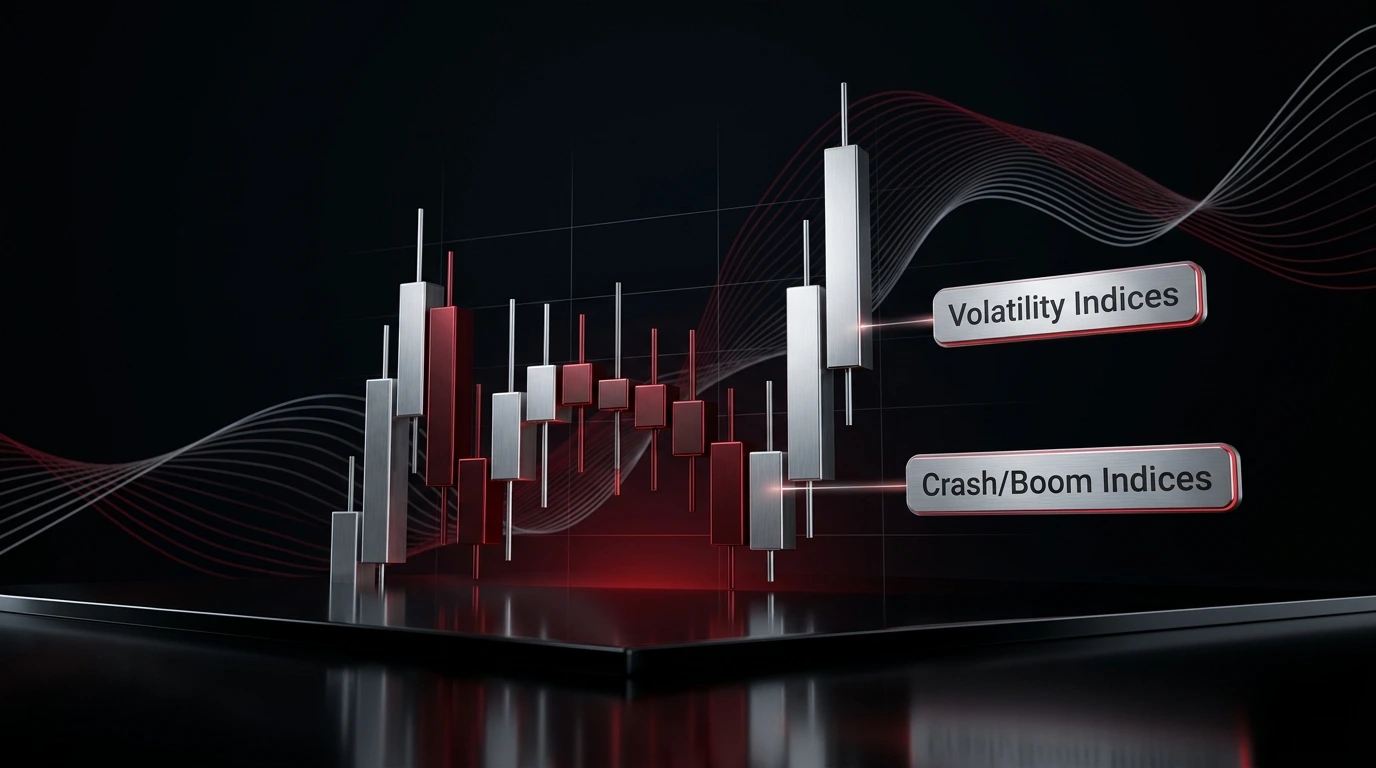
يمكنك تداول جميع مؤشرات Deriv لـ Synthetic Indices مباشرةً على الرسوم البيانية في TradingView، بما في ذلك المؤشرات الشائعة:
- مؤشرات التقلب
- مؤشرات Crash/Boom
- مؤشرات Step
- مؤشرات Jump
لماذا نستخدم TradingView لتداول Synthetic Indices؟
يُستخدم TradingView على نطاق واسع من قبل المتداولين لتحليل السوق بسبب أدوات الرسوم البيانية والمؤشرات وميزات الرسم والتخطيطات القابلة للتخصيص.
عندما تتداول Synthetic Indices من خلال Deriv على TradingView، يمكنك استخدام هذه الأدوات لتخطيط وإدارة صفقاتك بشكل أكثر فعالية.
تحليل حركة السعر بشكل أكثر وضوحاً
تجعل الرسوم البيانية في TradingView من السهل دراسة بنية السوق ورصد الاتجاهات وتحديد مناطق الدعم والمقاومة المحتملة. يمكن أن يساعدك ذلك على فهم ما إذا كان المؤشر الاصطناعي يتجه أو يتراوح أو يُظهر علامات انعكاس.
استخدام المؤشرات الفنية
يمكنك تطبيق مؤشرات TradingView مثل المتوسطات المتحركة و RSI و MACD وبولينجر باند والعديد من المؤشرات الأخرى على الرسوم البيانية للمؤشرات الاصطناعية. يمكن أن تساعدك هذه الأدوات في تحديد الزخم والتقلب ومناطق الدخول أو الخروج المحتملة.
الرسم مباشرة على الرسم البياني
تتيح لك أدوات الرسم في TradingView وضع علامات على خطوط الاتجاه والقنوات والمناطق والأنماط ومستويات الأسعار الرئيسية. هذا مفيد عند بناء خطة تداول قبل الدخول في مركز.
مراقبة أطر زمنية متعددة
يمكن أن تتحرك Synthetic Indices بشكل مختلف عبر الأطر الزمنية. يتيح لك TradingView التبديل بين الأطر الزمنية بسرعة، حتى تتمكن من مقارنة حركة السعر قصيرة المدى مع الاتجاه الأوسع قبل اتخاذ قرار.
تعيين التنبيهات
يمكن أن تساعدك تنبيهات TradingView في تتبع مستويات الأسعار المهمة أو إشارات المؤشرات دون مراقبة الرسم البياني باستمرار. يمكن أن يكون هذا مفيداً إذا كنت تنتظر اختراقاً أو تراجعاً أو إعداداً معيناً.
كيفية الوصول إلى Synthetic Indices على TradingView من خلال Deriv
قبل البدء، تحتاج إلى حساب TradingView وحساب Deriv.
الخطوة 1: تسجيل الدخول إلى TradingView
افتح TradingView وسجّل الدخول إلى حسابك. إذا لم يكن لديك حساب TradingView، فأنشئ حساباً أولاً.
الخطوة 2: انقر على "تداول" على الرسم البياني
في الزاوية العلوية اليمنى من الرسم البياني في TradingView، انقر على "تداول". سيؤدي ذلك إلى فتح نافذة منبثقة حيث يمكنك العثور على الوسطاء المدمجين مع TradingView.
الخطوة 3: اختر Deriv
ابحث عن Deriv في قائمة الوسطاء واختره.
الخطوة 4: اربط حساب Deriv الخاص بك
اتبع المطالبات للترخيص بالاتصال بين TradingView وحساب Deriv الخاص بك. بمجرد الاتصال، يجب أن تتمكن من عرض حساب Deriv الخاص بك من TradingView.
الخطوة 5: ابحث عن Synthetic Indices
استخدم البحث عن الرمز للبحث عن المؤشر الاصطناعي الذي تريد تداوله. يجب تأكيد أسماء الرموز الدقيقة قبل النشر.
الخطوة 6: حلل الرسم البياني
قبل تنفيذ صفقة، استخدم أدوات الرسوم البيانية في TradingView لمراجعة السوق. تحقق من الاتجاه والتقلب ومستويات الدعم والمقاومة والمؤشرات الفنية المفضلة لديك.
الخطوة 7: قم بوضع تداولك
بمجرد إكمال تحليلك، يمكنك تنفيذ صفقتك من خلال واجهة TradingView. يتم تنفيذ الصفقة من خلال حساب Deriv الخاص بك.
إدارة المخاطر عند تداول Synthetic Indices
يمكن أن تتحرك Synthetic Indices بسرعة، خاصة الأدوات ذات التقلب الأعلى. خطة إدارة المخاطر الواضحة ضرورية.
قبل تنفيذ صفقة، ضع في اعتبارك:
- استخدام حساب تجريبي أولاً
- اختيار حجم مركز يتناسب مع تحملك للمخاطر
- تعيين وقف الخسارة
- تجنب الإفراط في التداول
- عدم زيادة حجم صفقتك بعد الخسارة
- مراجعة كل صفقة بعد إغلاقها
يمكن أن يساعد TradingView في التحليل، لكنه لا يزيل مخاطر التداول. قراراتك وحجم الصفقة وضوابط المخاطر لا تزال مهمة.
ابدأ تداول Synthetic Indices على الرسوم البيانية في TradingView
يمنحك تداول Synthetic Indices باستخدام TradingView إمكانية الوصول إلى الأسواق الاصطناعية في Deriv مع تجربة الرسوم البيانية المتقدمة في TradingView. يمكنك تحليل الرسوم البيانية وتطبيق المؤشرات ورسم المستويات الرئيسية وتعيين التنبيهات وتنفيذ الصفقات من خلال حساب Deriv المتصل الخاص بك.
المفتاح هو التعامل مع TradingView كواجهة التحليل والتداول الخاصة بك، بينما يوفر Deriv إمكانية الوصول إلى Synthetic Indices من خلال تكامل الوسيط الخاص به. إذا كنت جديداً على Synthetic Indices أو جديداً على TradingView، فكر في التدريب باستخدام حساب Deriv التجريبي أولاً. يتيح لك الحساب التجريبي استكشاف الرسوم البيانية واختبار الاستراتيجيات وفهم كيفية تحرك Synthetic Indices دون المخاطرة بأموال حقيقية.
بمجرد أن تشعر بالراحة تجاه تدفق التداول واستراتيجيتك، يمكنك تحديد ما إذا كنت تريد الانتقال إلى حساب حقيقي.
إخلاء مسؤولية:
تُعد المنتجات المتاحة على منصاتنا منتجات مشتقة معقّدة تنطوي على مخاطر كبيرة بالخسارة المحتملة. يجب أن تأخذ في اعتبارك ما إذا كنت تفهم كيفية عمل هذه المنتجات وما إذا كنت تستطيع تحمل المخاطر العالية لفقدان أموالك. هذا المقال لأغراض تعليمية فقط ولا يشكل نصيحة مالية أو استثمارية.
اختبار
الأسئلة الشائعة


